
How do I turn off my iPhone?
There are several ways to turn off your iPhone, depending on the model and whether the physical buttons are functioning properly. Below are the steps to turn off your device.
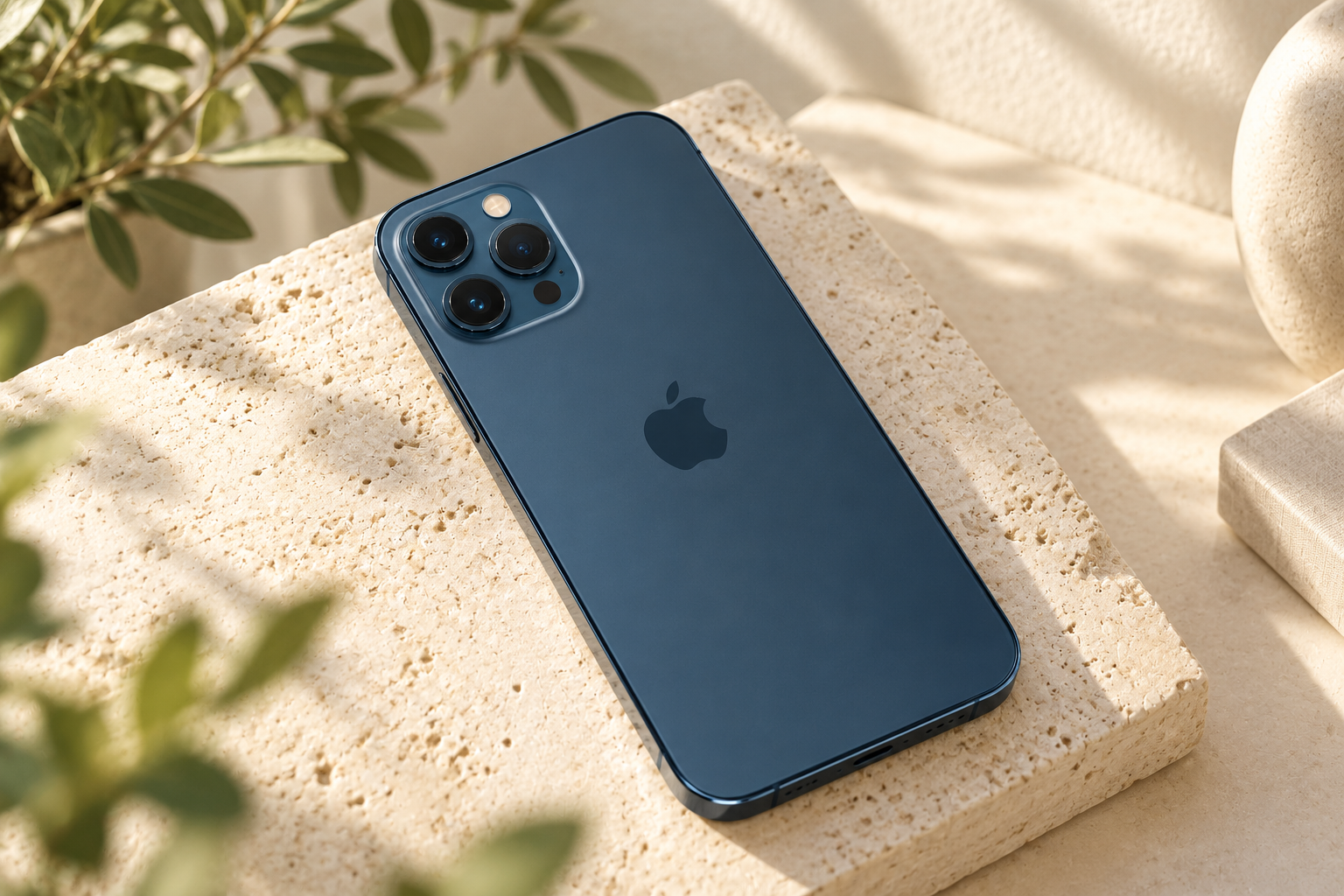
What are the steps to turn off your iPhone?
Depending on your iPhone model, these are the steps:
- iPhone with Face ID (e.g. iPhone 14, 13, 12):Press and hold the side button and one of the volume buttons at the same time until the slider'Turn off'appears. Slide the button to turn off your device.
- iPhone with home button (e.g. iPhone SE):Press and hold the side button (or top button on older models) until the slider'Turn off'appears. Slide to turn off.
Refurbished iPhones
How to turn off an iPhone without a button?
If the buttons don't work, you can turn off your iPhone through the settings:
- Go toSettings > General.
- Scroll down and tap'Turn off'.
- Slide the button to turn off your iPhone.
What to do if your iPhone won't turn off?
If your iPhone is not responding to the above methods:
- Force a restart:Briefly press the volume up button, then the volume down button, then press and hold the side button until you see the Apple logo.
- Check the buttons:Make sure the buttons are not physically stuck or damaged.
- To drain the battery:Let your iPhone drain completely and then plug it back into a charger.
Conclusion:You can turn off your iPhone using the buttons or via the settings. If this doesn't work, you can try a forced restart or completely drain the battery.
iPhone Advice


LOOKING FOR THE BEST OFFERS?
Check out our current offer!
Check out the deals
Condition: Tvarkinga būklė
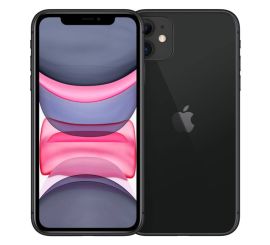
Condition: Matomas naudotas
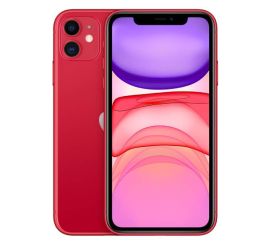
Condition: Matomi pažeidimai
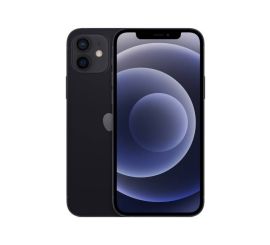
Condition: Matomi pažeidimai
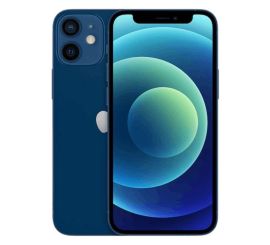
Condition: Tvarkinga būklė
Apple iPhone 12 mini - 256GB - 2 Year Warranty
5.4 inch - 12_blauw
Old Price $355.24 $284.19 $234.87

Condition: Matomi pažeidimai
Apple iPhone 12 Pro - 128GB - 2 Year Warranty
6.1 inch - 12_grafiet
Old Price $336.04 $268.83 $222.17